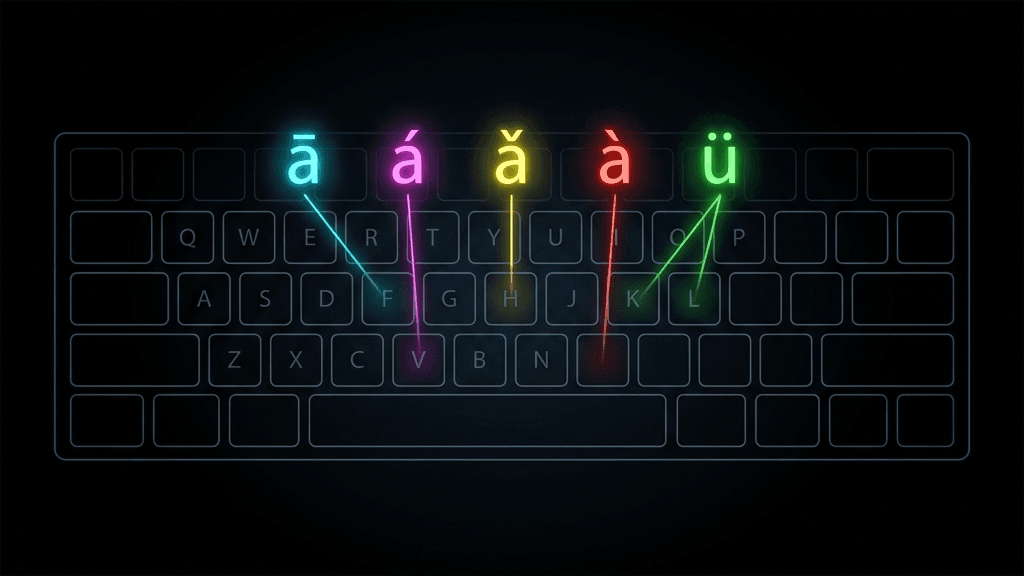
For over a billion people, Pinyin is not just a study tool; it is the primary method of digital communication. Every time someone in China sends a text message, searches the web, or posts on social media, there is a very high chance they are typing Pinyin on a phone keyboard.
Mobile Pinyin input is one of the most quietly transformative technologies of the 21st century. Understanding how it works reveals why Pinyin remains so central to modern Chinese life.
How Pinyin Input Works on a Phone
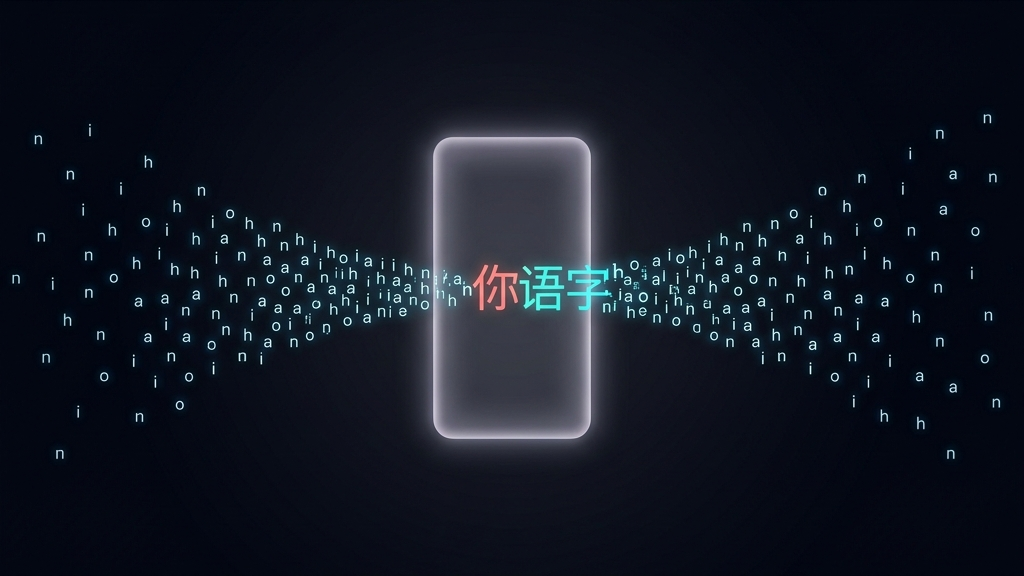
The concept is straightforward. You type the Pinyin spelling of a word using the standard Latin alphabet on your phone keyboard. The system then displays a list of candidate Chinese characters that match that pronunciation. You tap the correct one.
For example, typing "nihao" brings up a candidate list that includes 你好 (hello). Tap it, and the characters appear in your message. The entire process takes less than a second for an experienced user.
This method is available on both iOS and Android. On iOS, go to Settings → General → Keyboard → Add New Keyboard → Chinese (Simplified) → Pinyin. On Android, the process is similar through Settings → Language and Input.
Predictive Intelligence
Modern Pinyin keyboards are remarkably smart. They use machine learning to predict not just individual characters, but entire phrases and sentences. If you type "wmstzgrdjb," the keyboard can expand this to "我们是通过人的角度", because each letter corresponds to the first letter of each syllable.
This shorthand method, known as "abbreviated Pinyin" or "首字母输入" (shǒu zìmǔ shūrù), allows Chinese users to type at speeds that rival or exceed English typing. With practice, frequent phrases can be entered from just their initial letters, so experienced typists produce common expressions almost as fast as they can think of them.
The Major Players
Several Pinyin keyboard applications dominate the Chinese mobile market:
- Sogou Pinyin (搜狗拼音): The most popular third-party keyboard in China, with cloud-based prediction and a massive user dictionary.
- Baidu Input (百度输入法): Backed by Baidu, with strong AI-driven autocomplete and voice input integration.
- Gboard (Google): Popular outside mainland China, especially among learners, with built-in translation features.
- Native iOS/Android keyboards: Apple and Android both offer competent built-in Pinyin keyboards with improving prediction engines.
Pinyin vs. Other Mobile Input Methods
Pinyin is not the only way to type Chinese on a phone. Alternatives include:
- Handwriting recognition: Draw characters on the screen with your finger. Slower but useful for rare characters you cannot recall the pronunciation of.
- Stroke-based input (五笔, Wǔbǐ): Encodes characters by their component strokes rather than pronunciation. Faster for some professionals, but has a steep learning curve.
- Voice input: Speak Mandarin and let the phone transcribe. Increasingly accurate but impractical in noisy or public settings.
Despite these alternatives, Pinyin input dominates overwhelmingly. It remains by far the most common way Chinese mobile users type, well ahead of voice, handwriting, and stroke-based input.
What This Means for Learners
If you are learning Mandarin and you already know Pinyin, you already know how to type Chinese on a phone. Setting up a Pinyin keyboard on your device is one of the most practical steps you can take. It lets you practice character recognition in a real-world context: typing messages, searching for words, and building familiarity with characters through daily use.
Pinyin on mobile is not just a convenience. It is the bridge that connects the sounds you have learned to the characters you are learning to read.