If you have ever needed to type "nǐ hǎo" instead of "ni hao," you already know the problem. Standard keyboards do not have keys for tone marks. Yet accurate Pinyin requires them. A Pinyin syllable without its tone mark is incomplete, like a musical note without its pitch.
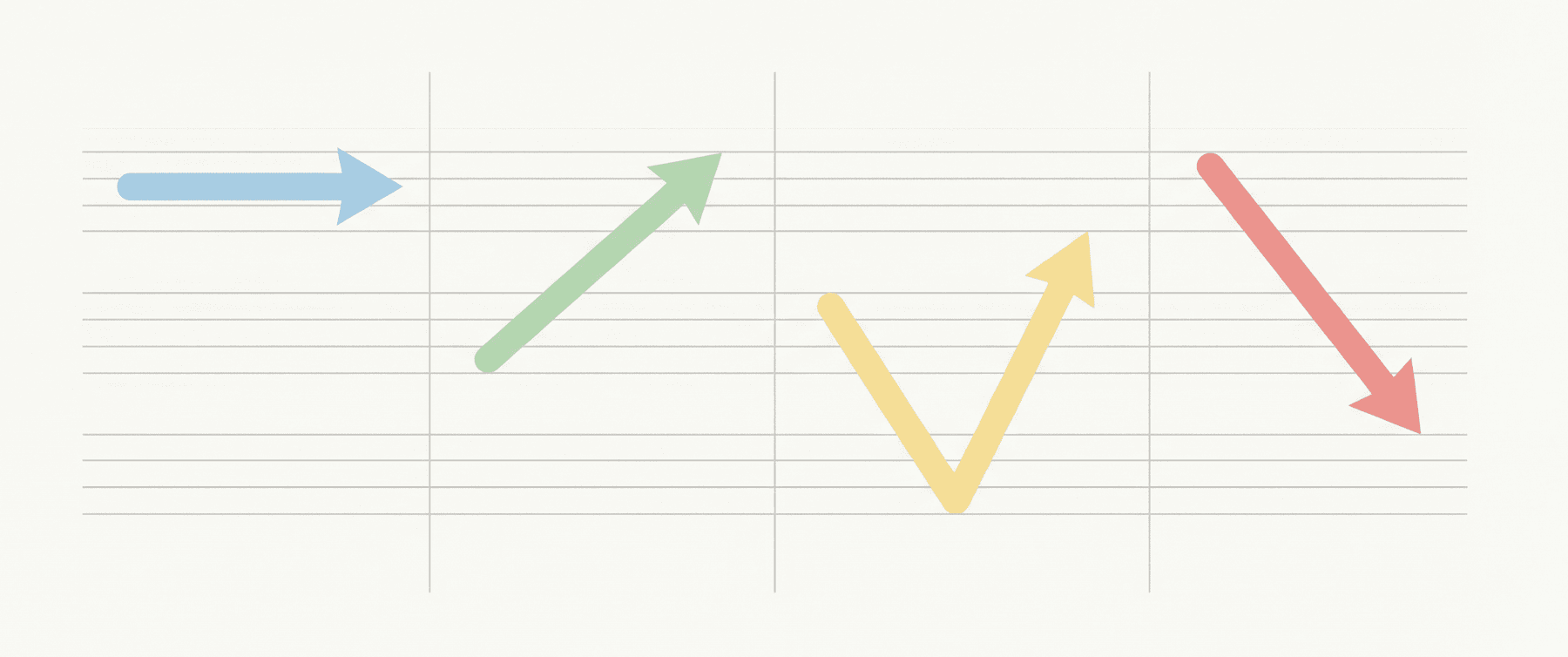
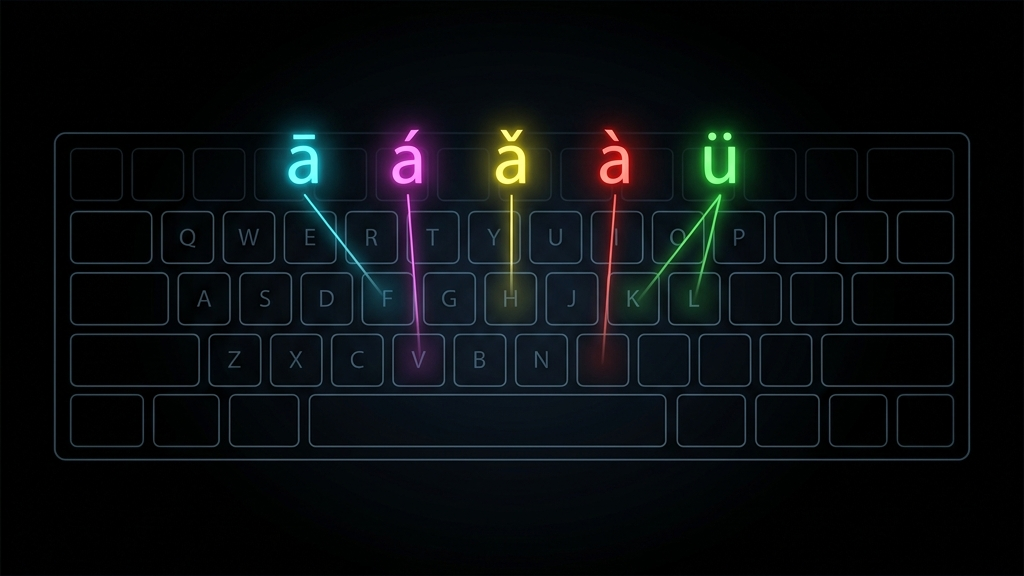
Fortunately, every major operating system offers ways to type tone-marked Pinyin. The methods vary, but the goal is always the same: place the correct diacritical mark (ā, á, ǎ, à) above the correct vowel, quickly and reliably.
Option 1: The Built-In macOS Method
On a Mac, the simplest approach is the "ABC — Extended" keyboard layout. You do not need to install anything. Go to System Settings → Keyboard → Input Sources and add "ABC — Extended."
Once activated, you type tone marks using Option-key combinations:
- Option + a, then a vowel → first tone (ā)
- Option + e, then a vowel → second tone (á)
- Option + v, then a vowel → third tone (ǎ)
- Option + ~, then a vowel → fourth tone (à)
For ü, type Option + u, then u. This method works in any application: word processors, browsers, and email clients alike.
Option 2: Windows and the US International Layout
On Windows, the "United States-International" keyboard layout provides dead-key combinations for accented characters. However, it does not natively support the third-tone caron (ǎ). For full Pinyin support, many users install a dedicated Pinyin input utility.
One widely used solution is the free Pinyinput tool, which adds a system tray icon and allows you to type tone numbers (e.g., "ni3 hao3") that are automatically converted to tone-marked Pinyin ("nǐ hǎo").
Option 3: Linux and IBus
Most Linux distributions ship with the IBus input framework. Adding the "ibus-m17n" package gives you access to a Pinyin-with-tones input method. The workflow is similar to tone-number conversion: type the syllable followed by the tone number, and the system produces the marked vowel.
Option 4: Online Converters
When you do not want to change keyboard settings at all, online tools offer a quick alternative. Websites like Pinyinize let you paste Chinese text and receive perfectly tone-marked Pinyin output in seconds. This is especially useful for educators preparing worksheets or students annotating reading material.
Tone Numbers vs. Tone Marks
In academic and informal digital contexts, you will often see Pinyin written with numbers instead of marks: "ma1 ma2 ma3 ma4" rather than "mā má mǎ mà." This "tone-number" notation is faster to type and is the standard input format for most Pinyin tools. The software then converts the numbers into proper diacritics.
The numeric system is a long-standing convention for writing Pinyin tones in plain text, and it remains the dominant method for digital Pinyin entry.
Which Method Should You Choose?
If you type Pinyin occasionally, an online converter is the fastest path. If you write Pinyin daily (for teaching, research, or content creation) investing a few minutes to set up your operating system is worth it. macOS users have the easiest built-in experience, while Windows and Linux users benefit from lightweight add-on tools.
The important thing is that proper tone marks are not optional decoration. They are the difference between "mā" (mother) and "mǎ" (horse). Whatever method you choose, make sure it supports all four tones and the special vowel ü.